
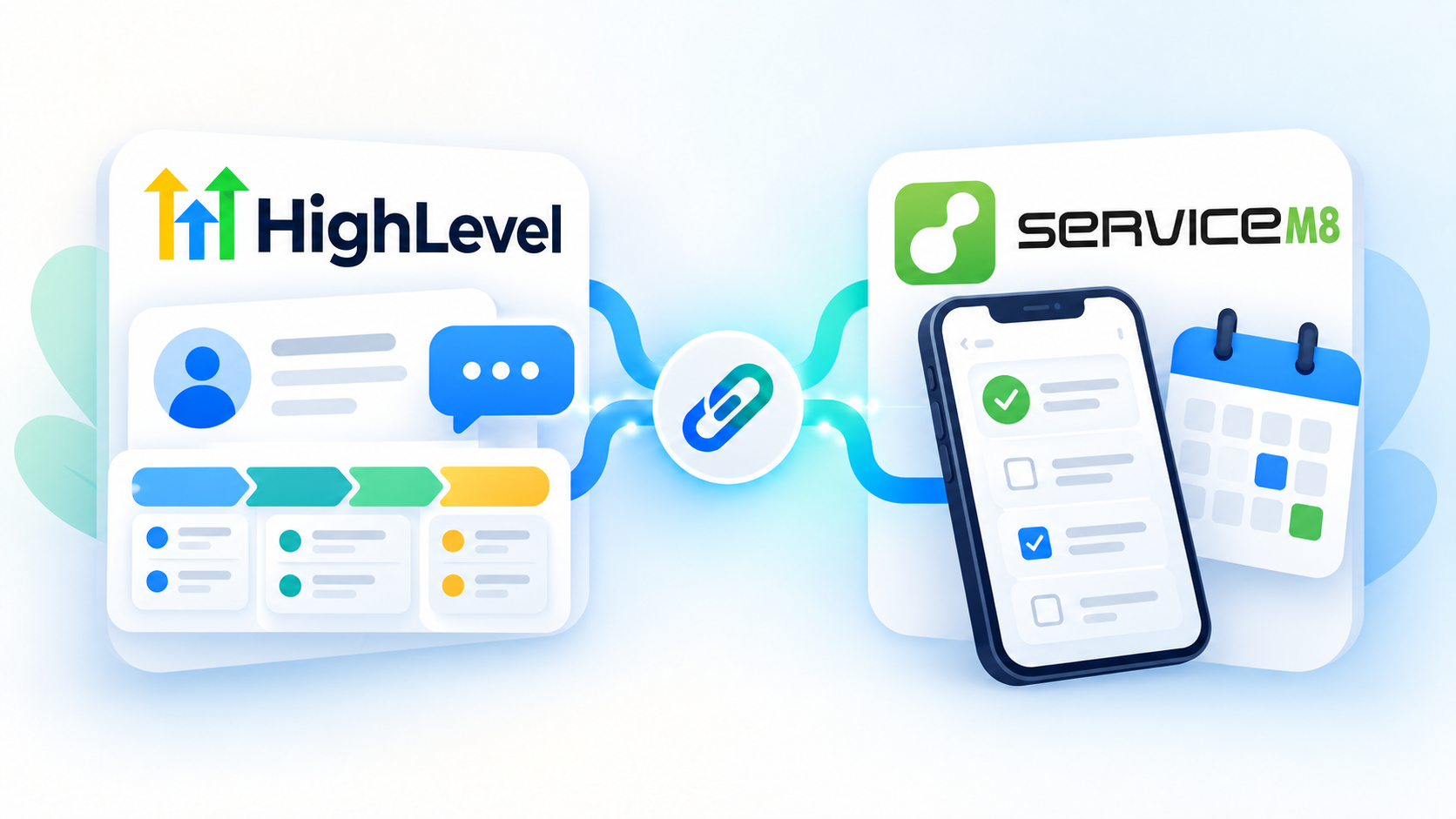
A lot of Australian trade businesses end up running two systems. Go High Level catches the enquiry, follows up and tracks the deal. ServiceM8 schedules the job, gets the team to site and sends the invoice.
Both are good at their half. The trouble is the gap between them. Someone has to retype the customer into ServiceM8 when a lead is ready to quote, and someone has to remember to go back into Go High Level when the job is approved or finished. When that step gets missed, your pipeline stops matching reality and the follow-ups go out at the wrong time, or not at all.
This article covers what Go High Level can do once it talks to ServiceM8, what you should sync, your options for connecting them, and the traps I've run into building this for trade businesses.
What each system should own
Before you connect anything, decide who owns what. Most of the mess I see comes from skipping this step.
Go High Level owns the sales side. Lead capture, the first reply, follow-up, the pipeline, review requests and reactivation campaigns.
ServiceM8 owns the job. The quote, scheduling, the job card, staff on site, photos, invoicing and payment.
The handover point is usually the moment a lead is ready to quote. Before that, the record lives in Go High Level. After that, ServiceM8 is running the job and Go High Level is watching it and reacting.
What to sync, and in which direction
You don't need to sync everything. Four things cover most trade businesses.
1. New job: Go High Level to ServiceM8
When you move an opportunity into a stage like "Ready to Quote", a job is created in ServiceM8 with the customer, site address and job description already filled in. Nobody types it twice.
The job number and a link to the job get written back onto the opportunity, so anyone looking at the pipeline can jump straight to the job in ServiceM8.
2. Quote accepted: ServiceM8 to Go High Level
When the customer accepts the quote, the opportunity moves to "Job Approved" without anyone touching it.
One thing that catches people out: ServiceM8 has no status called "quote accepted". An accepted quote shows up as the job changing from Quote to Work Order, so that change is what you watch for.
3. Job completed: ServiceM8 to Go High Level
When the job is marked Completed in ServiceM8, the opportunity moves to "Job Completed". This is the one that pays for itself, because it's the trigger for everything that happens afterwards in Go High Level: the review request, the thank-you message, the 12-month service reminder.
4. Quote unsuccessful: ServiceM8 to Go High Level
When a job is marked Unsuccessful, the opportunity moves to a lost stage. Your pipeline stays honest, and you can run a follow-up a few months later to the people who said no.
Contact details
Phone numbers, emails and addresses change. Decide whether contact details sync one way or both ways, and which system wins when the two disagree. For most trade businesses, both ways with "the latest change wins" works well.
One rule I'd always keep: an empty field should never overwrite a filled one. If someone clears a phone number by accident in one system, you don't want it wiped from the other.
Your options for connecting them
There are four ways to do it, and they suit different needs.
The ServiceM8 app in the Go High Level marketplace
There's a ServiceM8 app in the Go High Level marketplace that adds ServiceM8 actions to your workflows. Once it's installed, a workflow can send information across to ServiceM8, for example when an opportunity reaches a certain stage.
It's the quickest way to get started and it needs no outside tools. The limit is that it works through workflows and sends information one way. It won't keep your pipeline up to date as the job moves through ServiceM8, so the quote accepted, job completed and unsuccessful updates above still need something else.
Zapier or Make
Both tools can connect Go High Level and ServiceM8, and for a simple one-way push they do the job. "When an opportunity hits this stage, create a ServiceM8 job is a reasonable afternoon's work.
Where it gets harder is going both ways. You have to handle duplicates, stop the two systems triggering each other in a loop, and deal with a step that fails halfway. Each fix adds more steps to the scenario, the cost per task grows as you get busier, and when something breaks quietly there's often nobody watching.
Go High Level workflows with webhooks
You can have a Go High Level workflow send a webhook straight to ServiceM8's API. It's cheap and there's no middleman, but it only goes one direction. Getting job updates back from ServiceM8 still needs something on the other side to receive them and decide what to do.
A purpose-built integration
This is a small service that sits between the two systems, listens to both and keeps a record of which opportunity belongs to which job. It costs more to build than a Zap, but it's the only option that handles the traps below properly, and it's the approach we take with our own Go High Level and ServiceM8 integration.
If you only need to send new jobs across, start with the marketplace app, or Zapier or Make. If you want the pipeline to follow the job all the way through, it's worth doing properly.
The traps
These are the things that go wrong in practice.
Duplicate customers. If the integration creates a new ServiceM8 customer every time, repeat customers end up with three or four records. Match on phone and email first, and only create a new customer when there's no match.
Duplicate jobs. Someone drags an opportunity out of "Ready to Quote" and back in again. A naive setup creates a second job. A good one recognises the opportunity already has a job and leaves it alone.
Loops. Go High Level updates ServiceM8, ServiceM8 reports the change, Go High Level updates again. Every change needs to be checked: did this come from a person, or from the integration itself?
Stage is not the same as won. In Go High Level, moving an opportunity into a "Closed Won" stage doesn't mark it as won. Stage and status are two separate settings. If your reporting relies on won and lost, make sure something is setting the status as well.
Addresses. ServiceM8 often stores an address as a single line, while Go High Level splits it into street, suburb, state and postcode. Pushing one format into the other without care gives you a suburb in the street field. Treat the address as one piece of information and split it deliberately.
Double messages. ServiceM8 can send its own quote emails and "on my way" texts. Go High Level can send messages at the same moments. Decide which system sends which message so your customer doesn't get two.
What it looks like when it's working
An enquiry comes in through your website at 7pm. Go High Level replies straight away and books a time to talk. After the call you drag the opportunity to "Ready to Quote".
A job appears in ServiceM8 with the customer and address filled in. You build the quote and send it from there. The customer accepts, and the opportunity moves to "Job Approved" on its own. Your team does the work and marks the job complete on site. The opportunity moves again, and the next morning the customer gets a review request.
You touched the pipeline once.
Common questions
Do I need both Go High Level and ServiceM8?
Not always. If you do simple jobs and don't need scheduling, job cards or on-site invoicing, Go High Level alone may be enough. Once you have staff in the field, ServiceM8 earns its place and the two together cover the whole job from first enquiry to review.
Which system should I enter new customers in?
New enquiries go into Go High Level, because that's where the follow-up happens. Existing customers who ring for another job can be entered in either, as long as contact sync is set up.
Will this work with my existing ServiceM8 data?
Yes. Existing customers are matched by phone and email, so your history stays where it is and new jobs attach to the right customer.
Need a hand?
We set up Go High Level for Australian trade businesses and connect it to the tools they already run, including ServiceM8. If you'd like to talk through how it would work in your business, book a call.
You can also read more about Go High Level automations and what they can take off your plate.